Ticerapps
 Minesweeper How to play
Beginner guide
How to play Minesweeper
The rules fit in three lines. The skill is in reading them quickly. This guide covers the rules, the controls on phone and computer, the first move, and how to read a board.
The rules in three lines
1. Every revealed number counts the mines in the eight tiles touching it, diagonals included. This 3 touches three mines, all of them in corners: a diagonal neighbour counts exactly the same as one straight above, below or beside it.
2. Use the numbers to prove which hidden tiles are safe and which are mines. Three 1s above a row: the middle tile is the only one all three can see, so it is the mine, and the outer two are safe. Reveal the safe ones, flag the mine.
3. Reveal every safe tile to win. Flags are not required to finish; only the safe tiles have to be opened. Reveal a mine and the game ends.
That is the whole game. Everything else is detail: how the controls work, what the first move guarantees, and how to read the numbers quickly.
Controls
| Action | Phone or tablet | Computer |
|---|---|---|
| Reveal a tile | Tap | Click |
| Flag a mine | Long-press the tile | Right-click |
| Clear around a number (chord) | Tap a number whose flags add up | Click a number whose flags add up |
| Pan and zoom a big board | Drag, pinch to zoom | Drag, or use the zoom control |
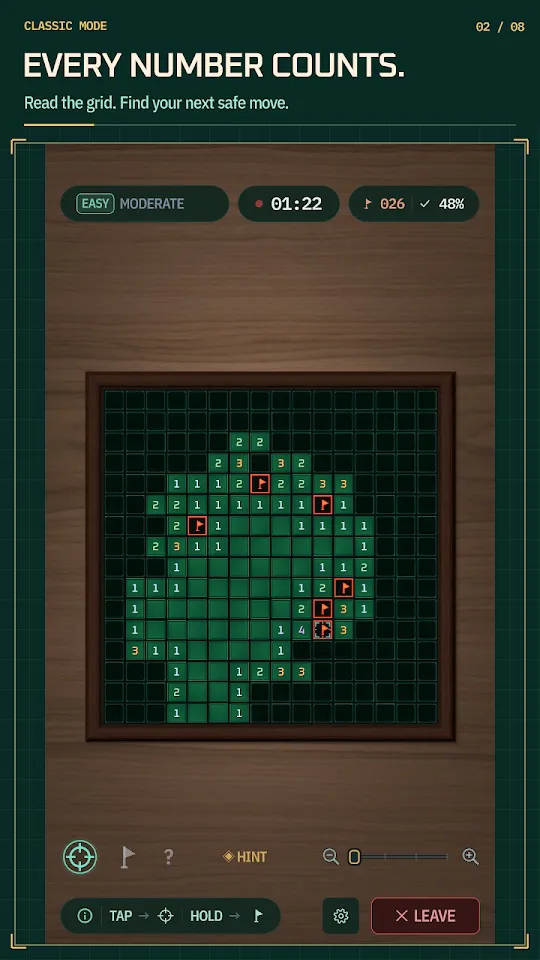
Both Ticerapps games also have a flag mode: switch it on and a short tap plants a flag instead of revealing, which is faster when you have a run of proven mines to mark.
The first move is safe
In both Ticerapps games you cannot lose on the first tap. The mines are placed after you choose, the tile you tapped is kept clear, and so are the tiles around it, so you always start with numbers to work from. (Gem Sweeper lets you switch this protection off if you want a harder start.)
Your first tap usually sets off a cascade. A tile with no neighbouring mines is a zero, and zeros have nothing to warn you about, so the game opens every connected zero automatically and stops at the first ring of numbers. Starting in the middle of a large open area gives the biggest opening.
Flags mean certainty, not guesses
A flag says “this is a mine”. The mine counter trusts you, so a wrong flag is a logic error, never bad luck. If you are not sure, leave the tile alone and work another part of the board until the numbers settle the question.
This matters more than it sounds. Flags feed chording: once the flags touching a number equal that number, tapping the number reveals every other tile around it. One wrong flag turns that shortcut into an explosion. Keep flags honest and chording becomes the fastest way to clear a board.
Reading the board
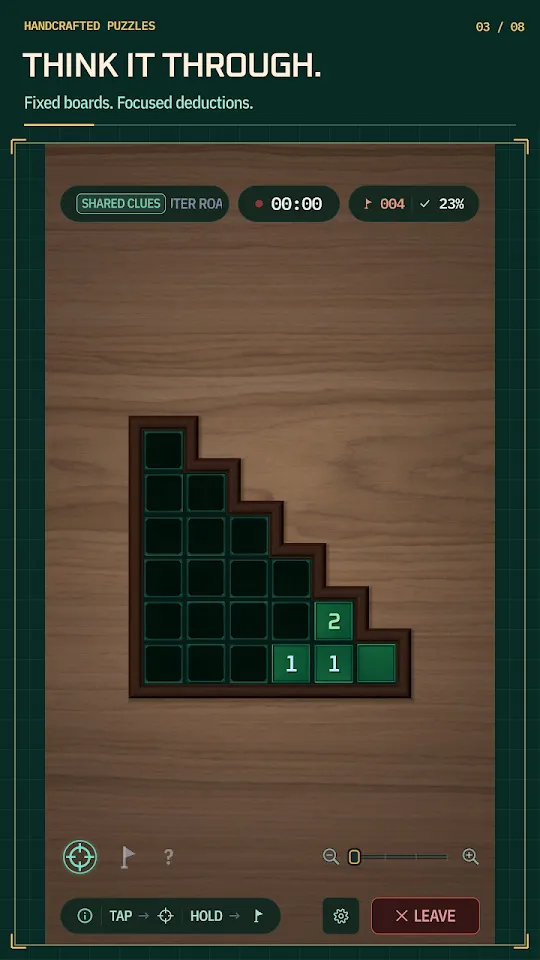
Once a number has as many unflagged hidden neighbours as the mines it still needs, all of them are mines. Here the three 1s all touch a single hidden tile, so it is the mine. With that flag placed, every 1 is satisfied, and any other hidden tile touching them is safe.
Most of Minesweeper is repeating that read: find a number that is already fully explained, flag what it proves, reveal what it clears, and let the new numbers open the next read. The pattern guide shows the named shapes, like 1–2–1, that let you skip steps.
Difficulty is mine density
What makes a board hard is the share of tiles that hide mines, not its size. A bigger board at the same density is longer, not harder. The three classic sizes:
| Level | Board | Mines | Density |
|---|---|---|---|
| Beginner | 9 × 9 | 10 | 12% |
| Intermediate | 16 × 16 | 40 | 16% |
| Expert | 30 × 16 | 99 | 21% |
The denser the board, the more often a random layout forces a guess. That is why no-guess boards cap their density; how no-guess boards work.
Practise on a real board
Four free boards, no download.
Minesweeper: Strait of Hormuz runs in any browser. The full games are free on iPhone, iPad and Android.